- Long-Nose Pliers
- Soldering Iron + lead
- Desoldering Tool
- Paper Clip (or compatible wire)
- Spreaders/Plastic cards, pry tools
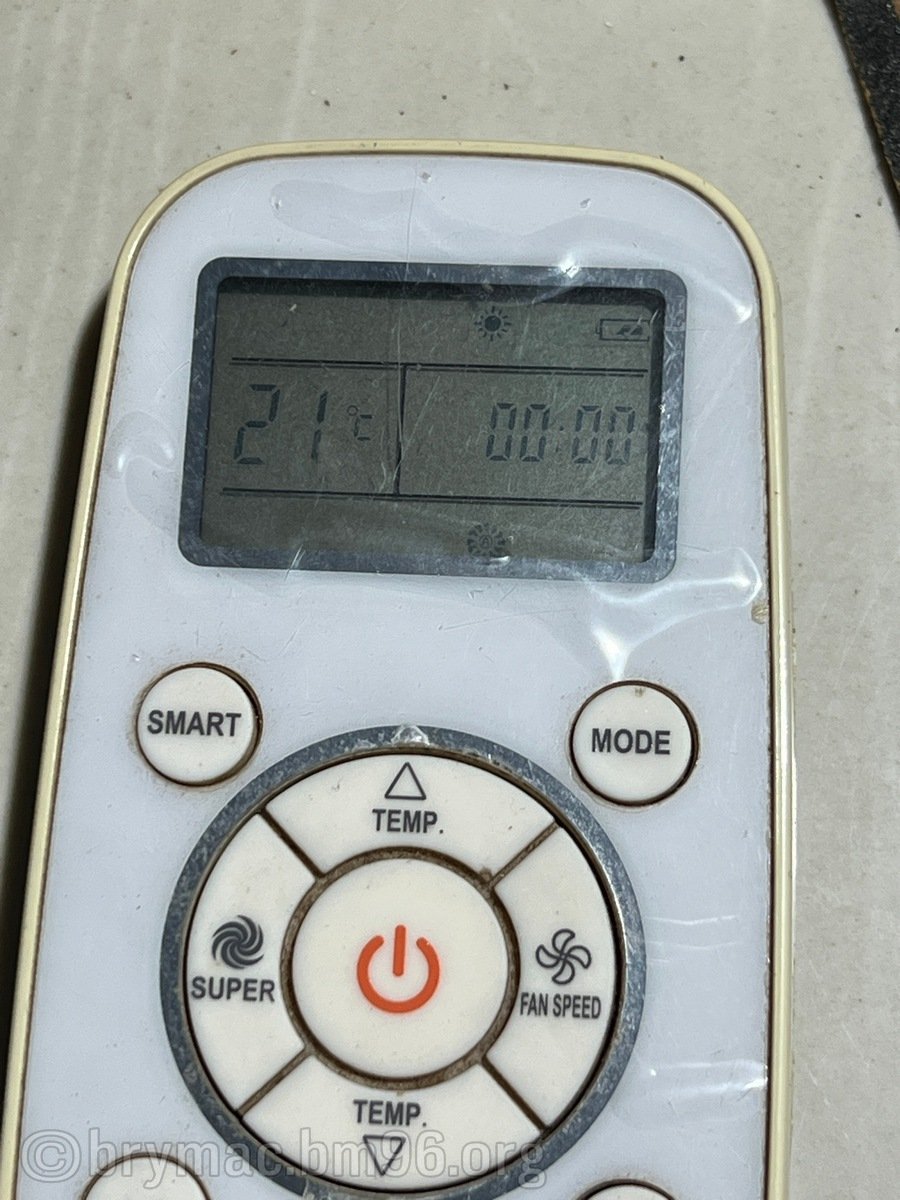
A remote for Hisense aircon unit stopped working. The spring/terminal corroded due to a leak in a battery. If it were the positive terminal, the fix would have been easier as the wire could just be bent. Since it’s the negative one, we have to duplicate and replace the entire wire.
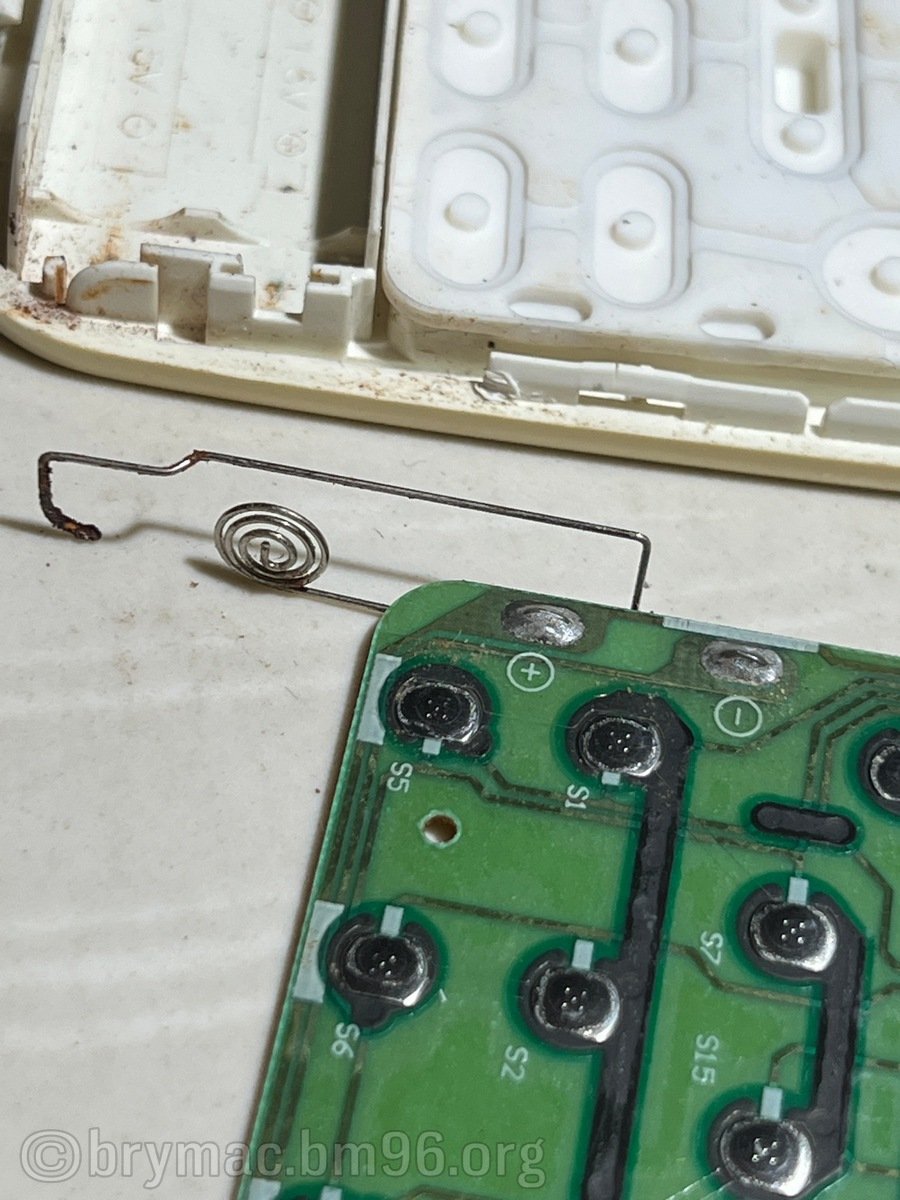
Pry open the remote using spreaders and/or pry tools. Most are in place using cantilever snap-fit (maybe).
Unsolder the broken/corroded wire.
Use the long-nose pliers on the paper clip(wire) to mimic the shape of the wire to be replaced. The spring part doesn’t have to be perfect. Just enough protrusion/springy-ness is okay. Cut if there is excess.
Some wires have paint/coating. Sand/scrape the parts around the end of the spring and on the pcb end.
Ensure shape and fit before soldering.
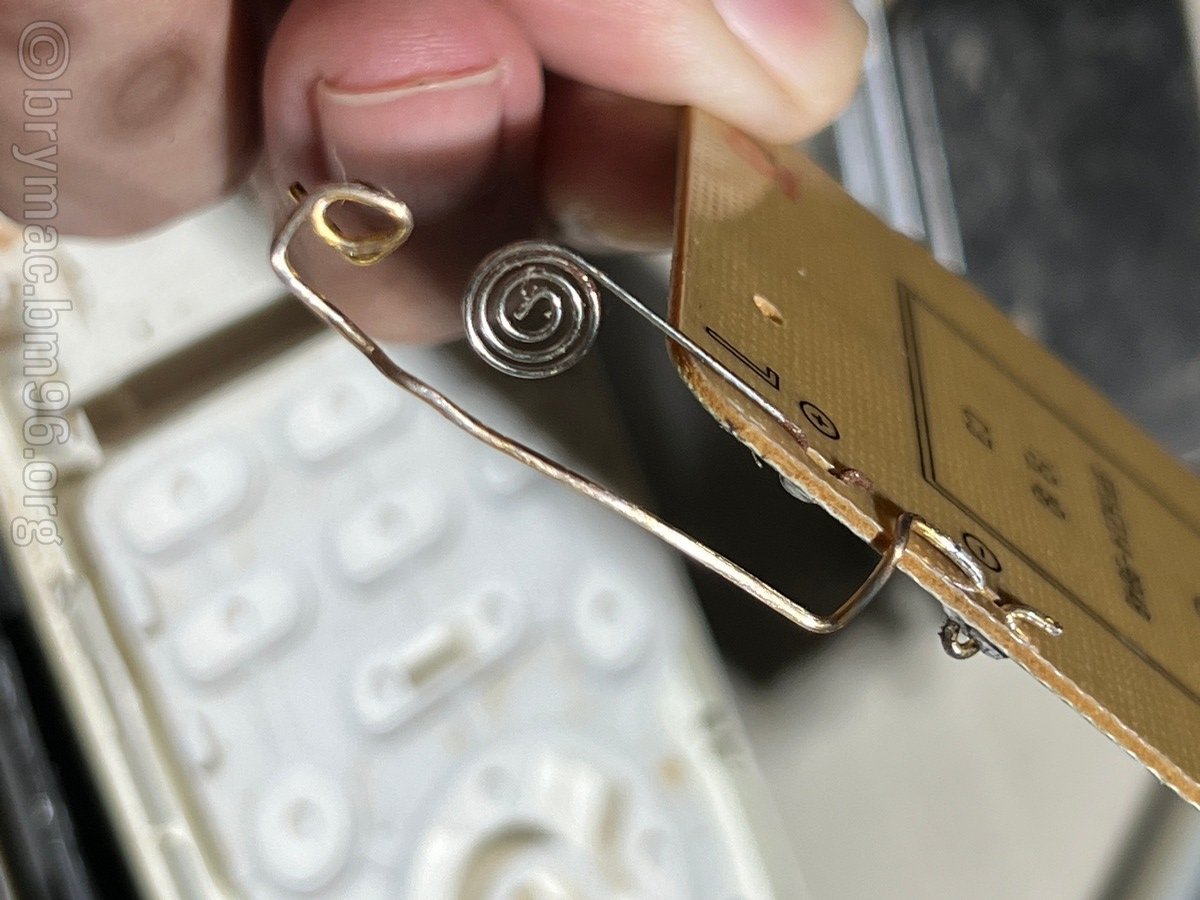
Test if remote still works before snapping the cover back in.
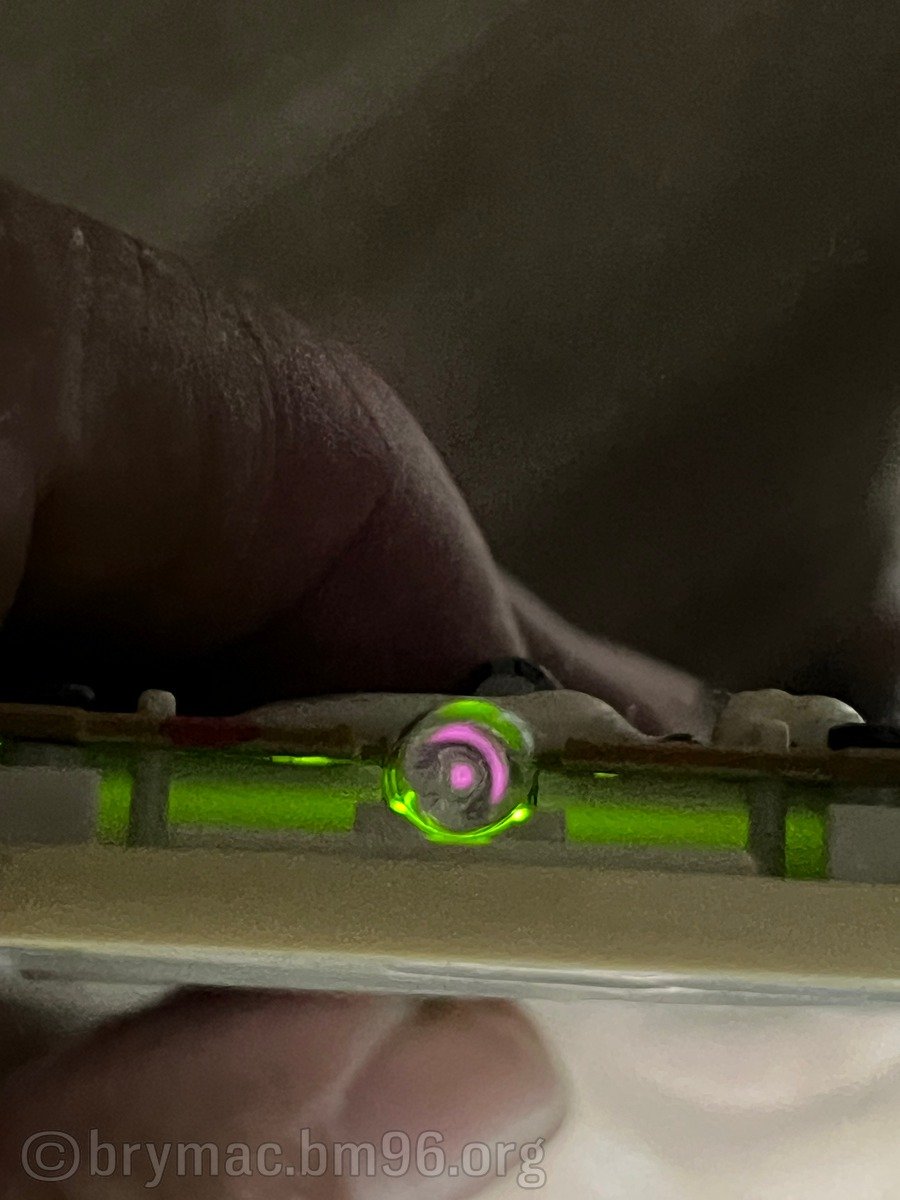
LCD being active is a good sign. Using a phone cam you can detect if Infrared(IR) signal is firing.